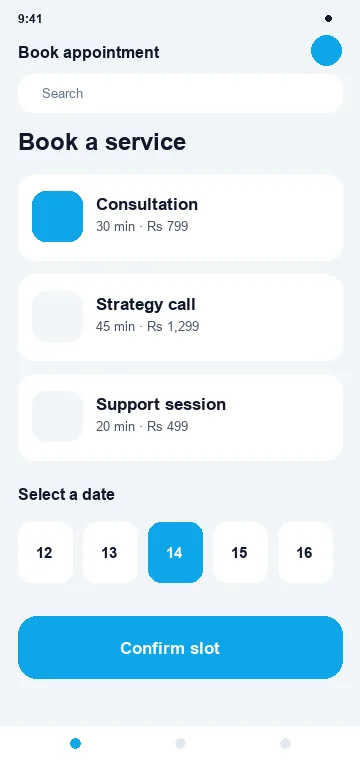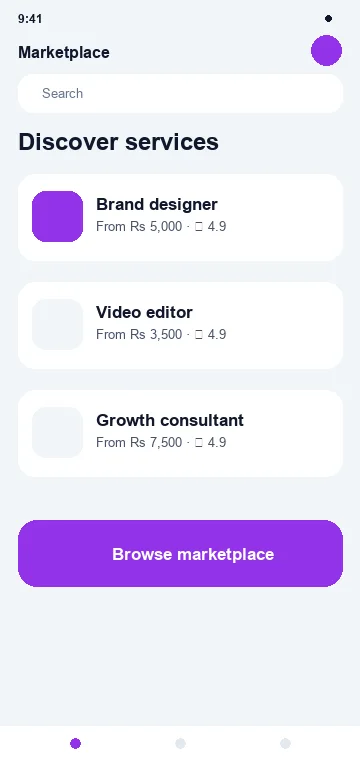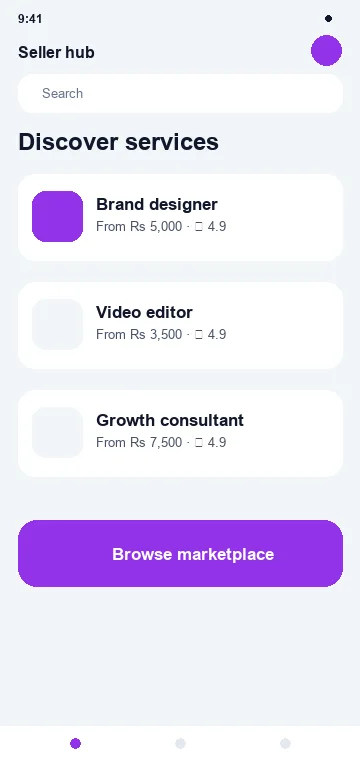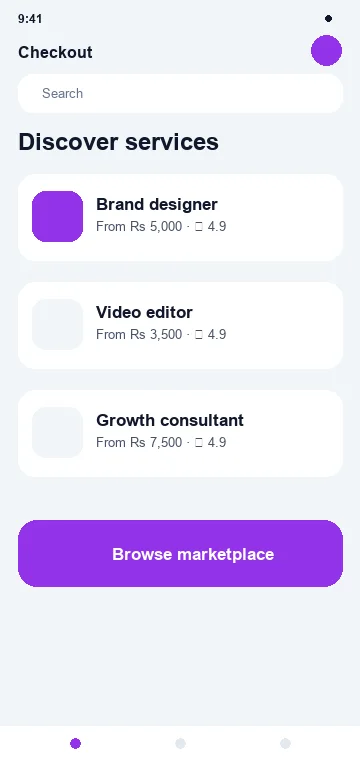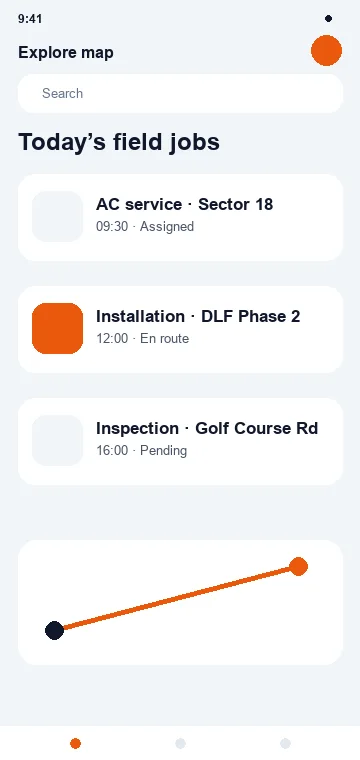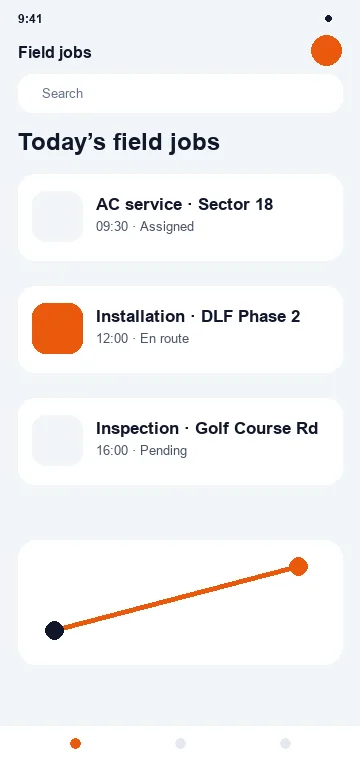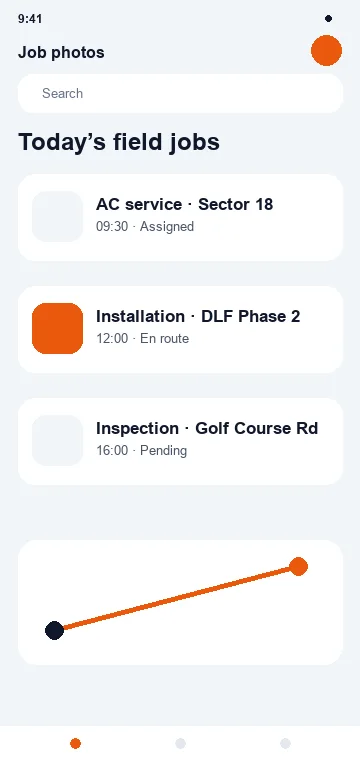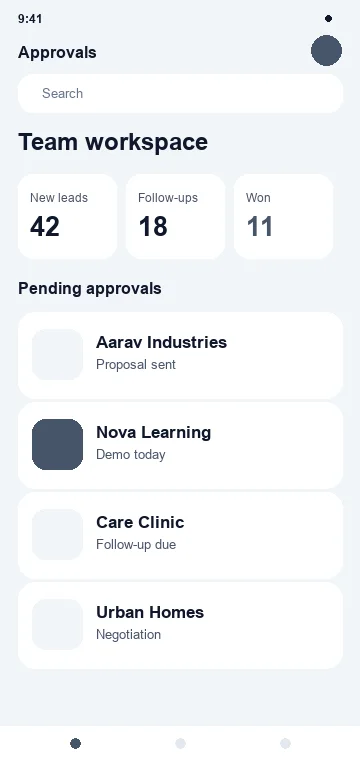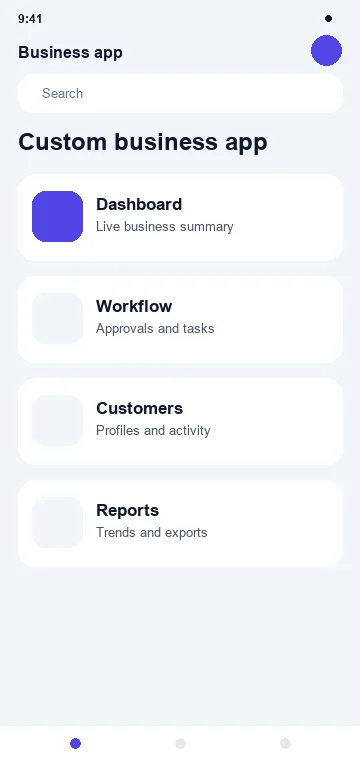

Custom mobile app development
Build a Mobile Experience
People Actually Want to Use.
Filari designs and develops mobile applications for customers, learners, patients, travellers, sales teams, partners and business operations — from focused business apps to complex multi-role platforms.
Whether the right approach is Flutter, native iOS, native Android or something else, we choose technology around your product, users, budget and long-term requirements.
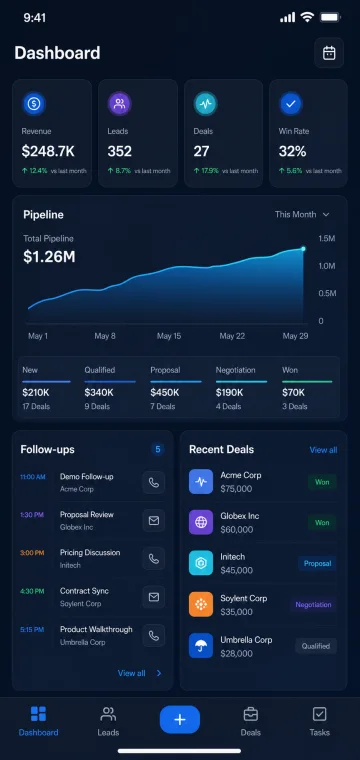 Manage
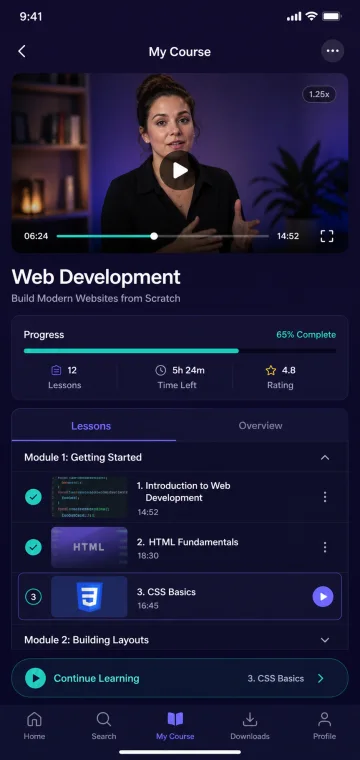 Learn
Learn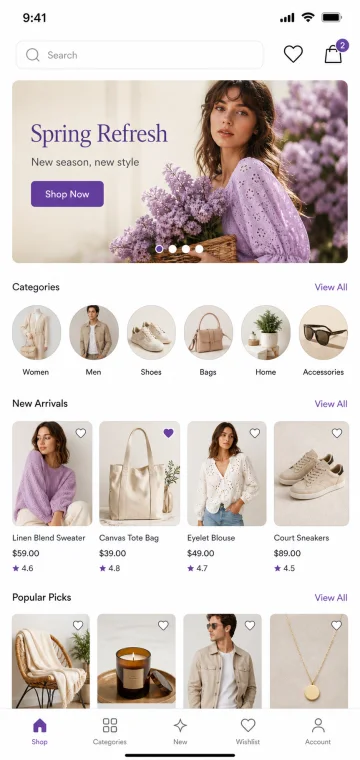 Shop
Shop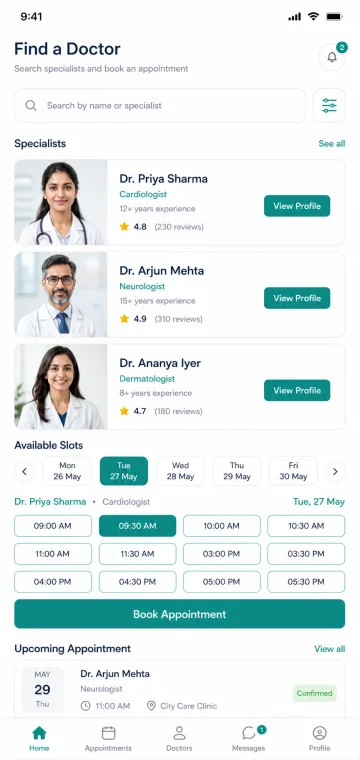 Book
Book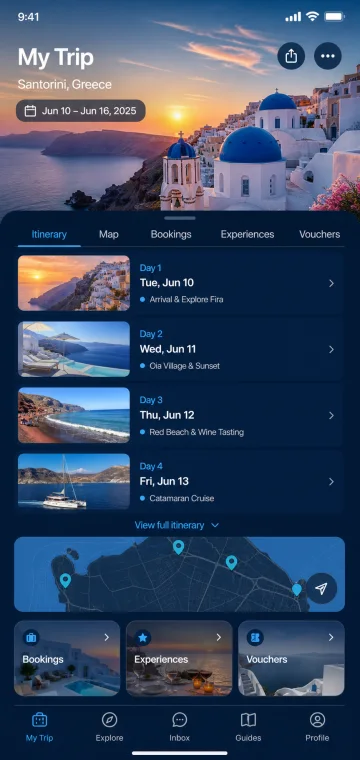 Travel
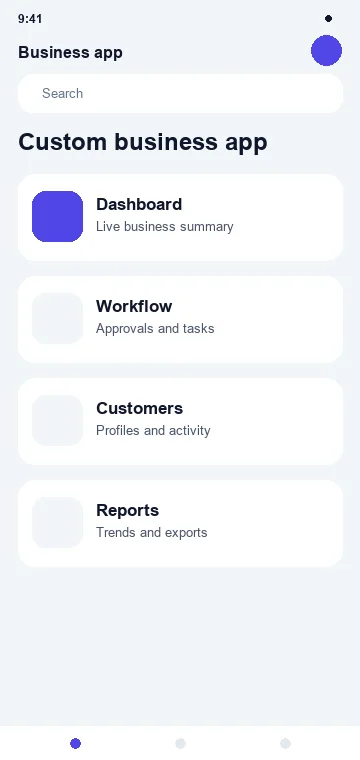
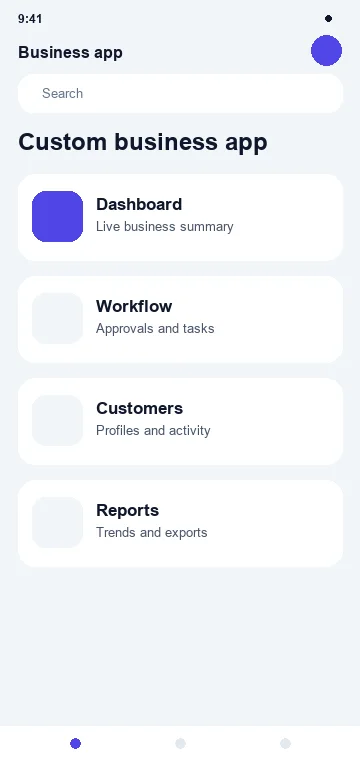
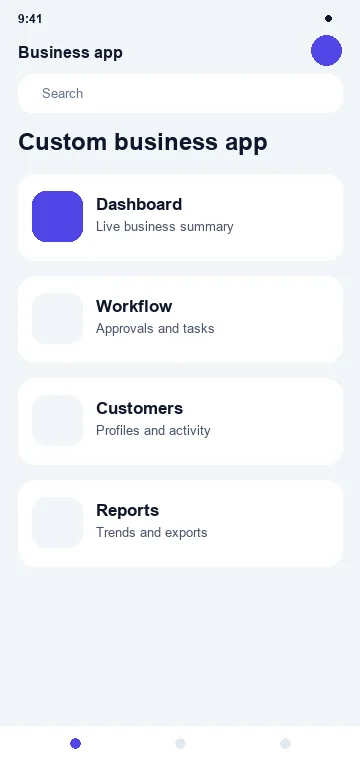
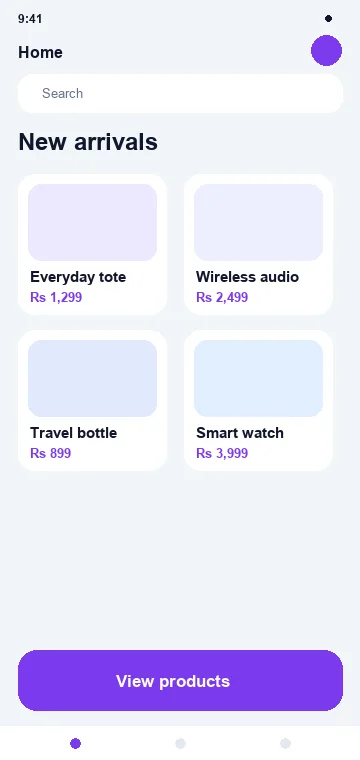
One technology partner. Many business journeys. · Concept screens, not client work
What kind of app do you need?
Different businesses need different mobile experiences.
Open any card for the journey, the feature set, sample screens and where the cost actually sits.
Mobile experiences
Different industries.
Different app journeys.
Three screens per industry — the ones that carry the journey. Pick an industry, or let it play.
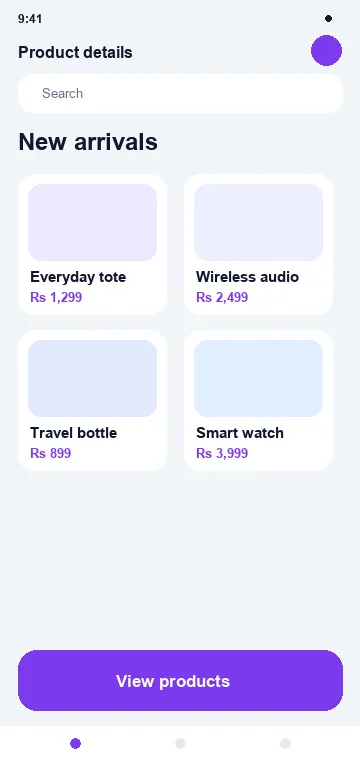
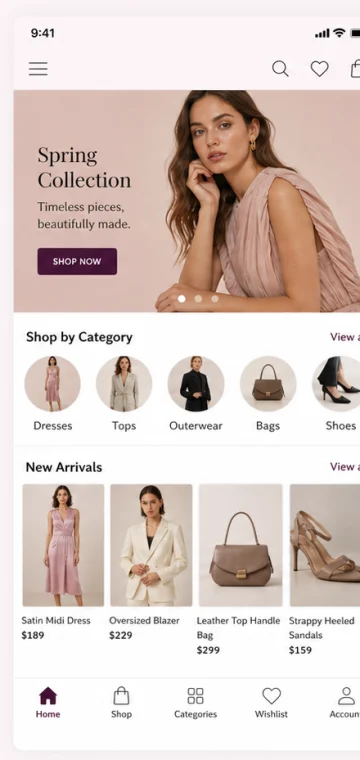
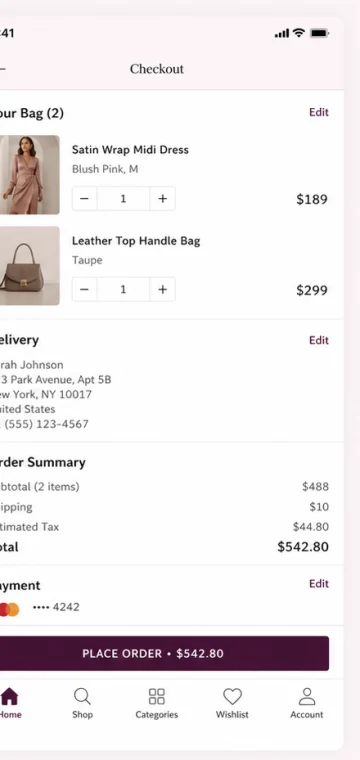
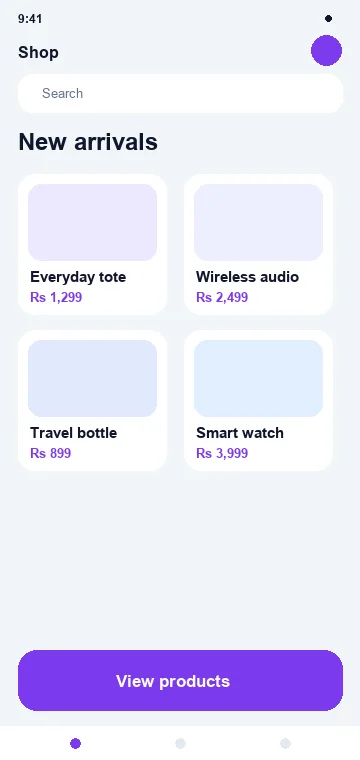
E-commerce
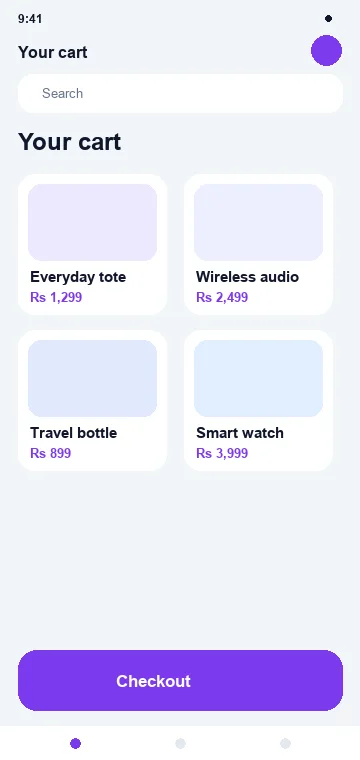
Product → buy
Discovery, checkout and the second order — the three screens that decide whether a store app earns its place.

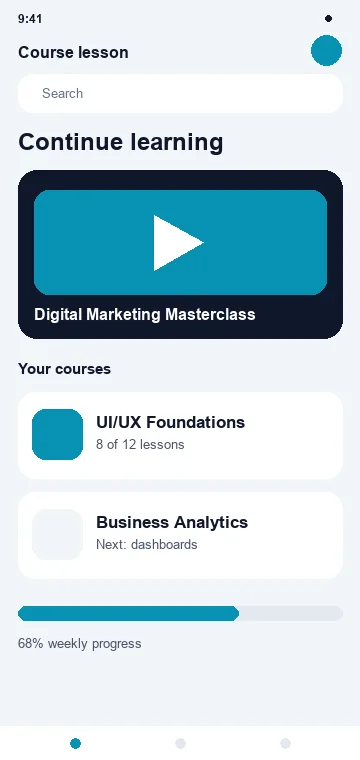
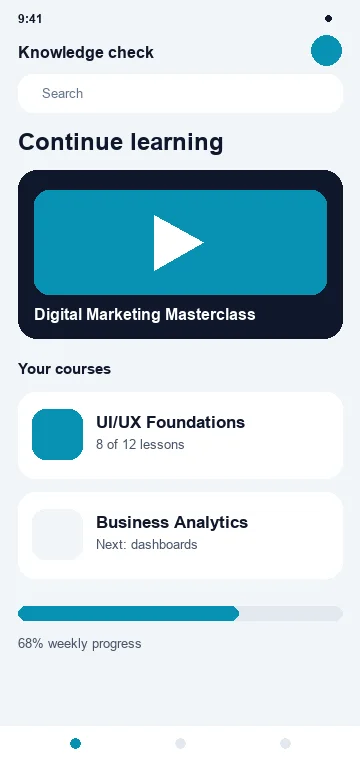
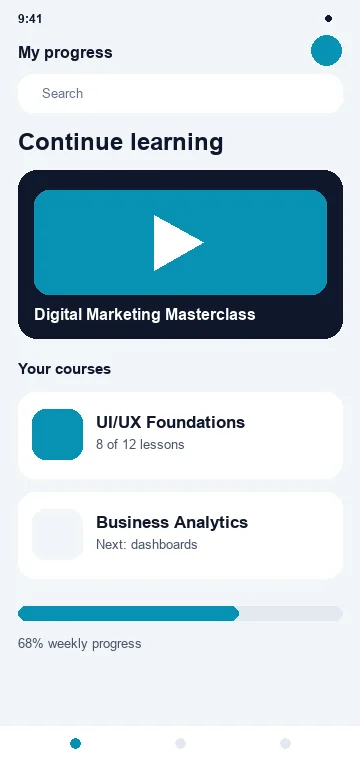
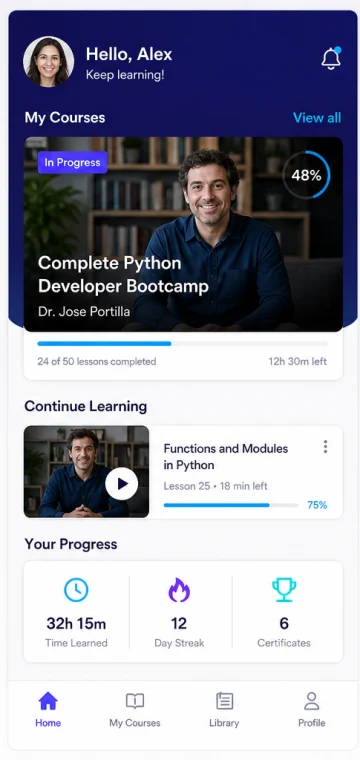
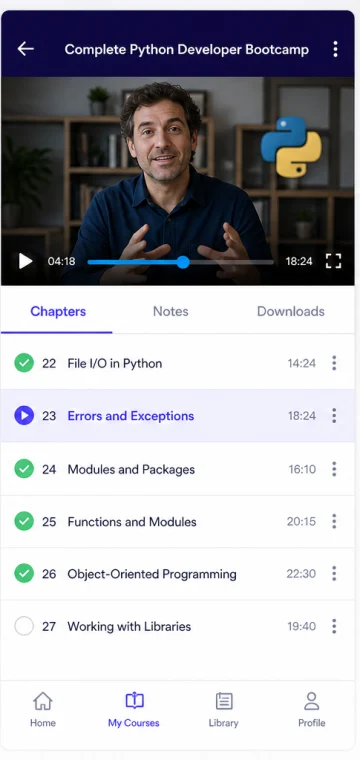
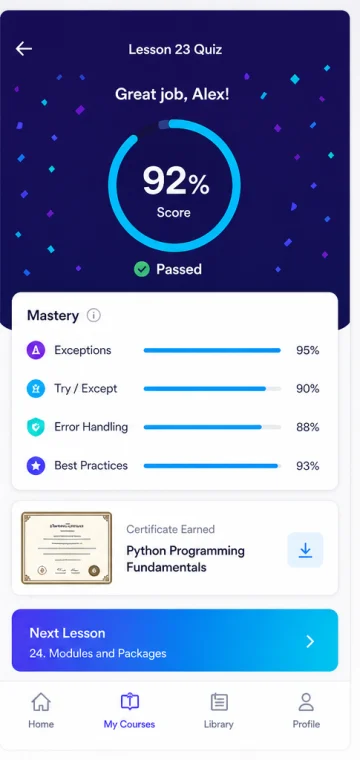
Education
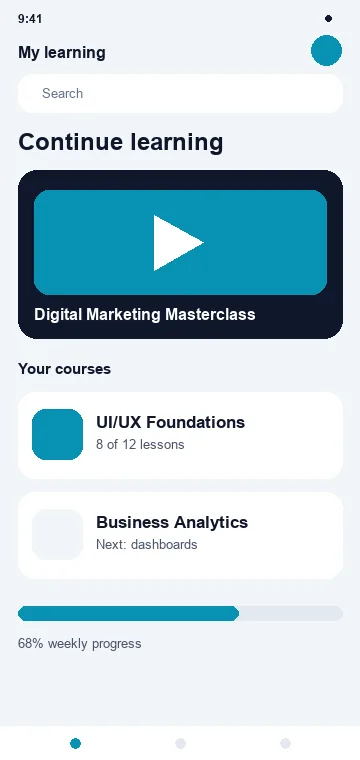
Course → learn
Enrol, learn and see progress — with downloads so a lesson survives a bad network.
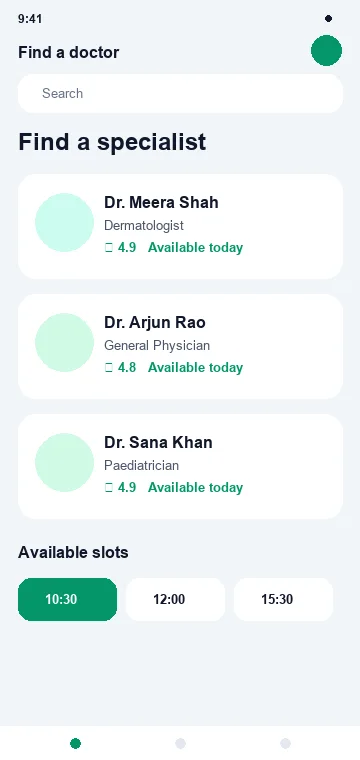
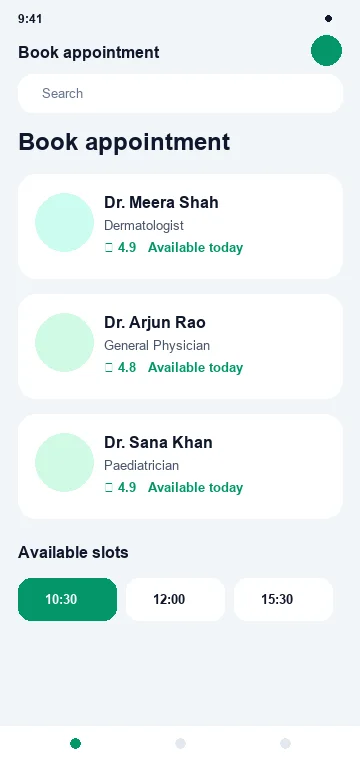
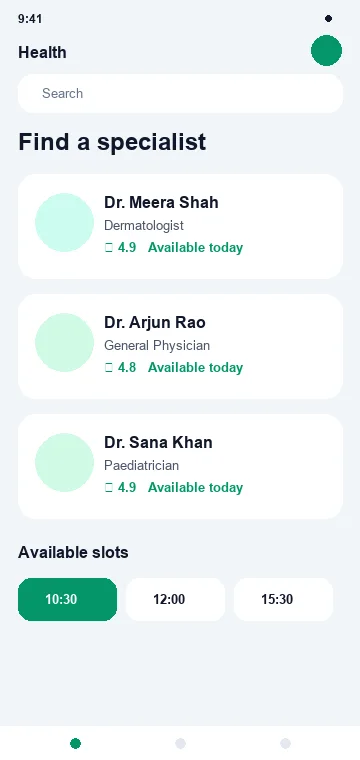
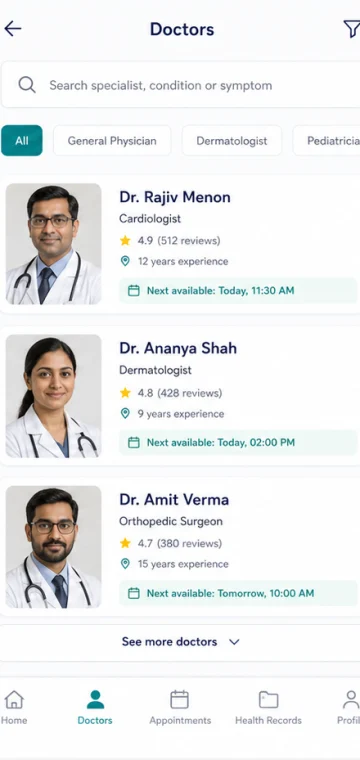
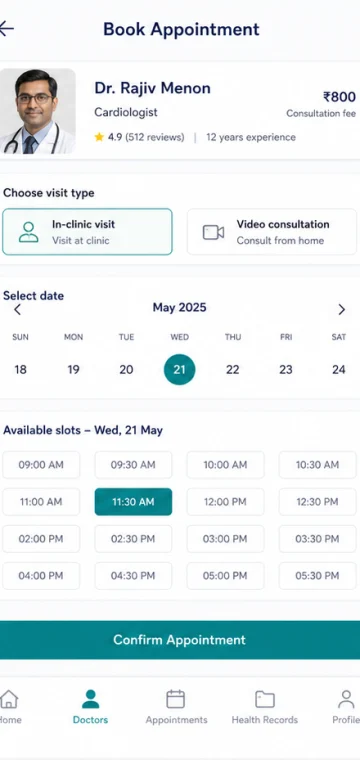
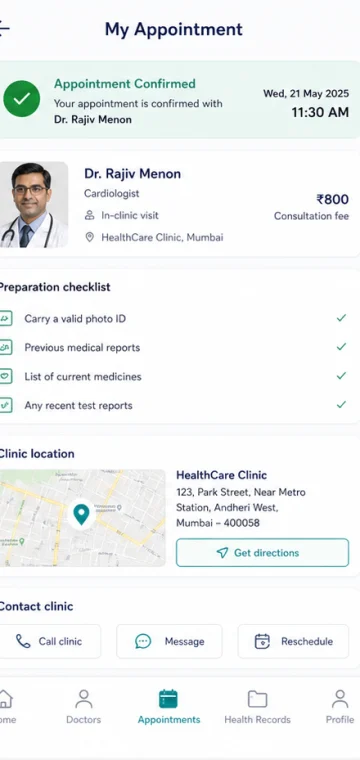
Healthcare
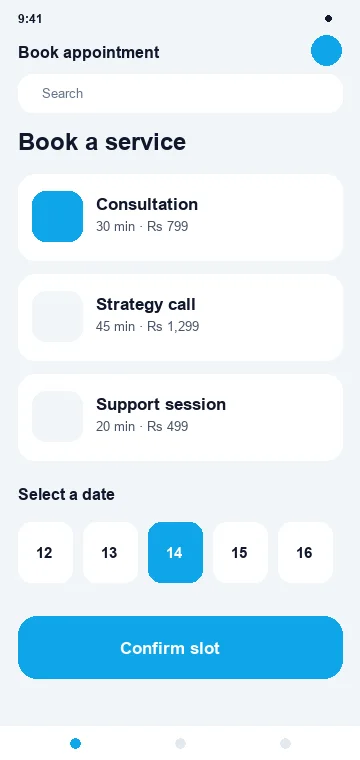
Doctor → appointment
Find the right doctor, pick a real slot, arrive prepared.
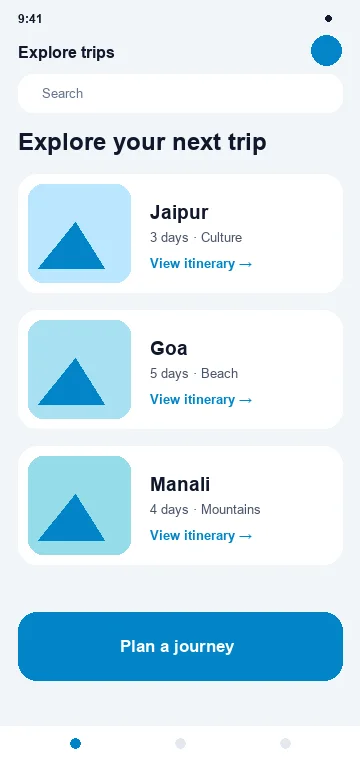
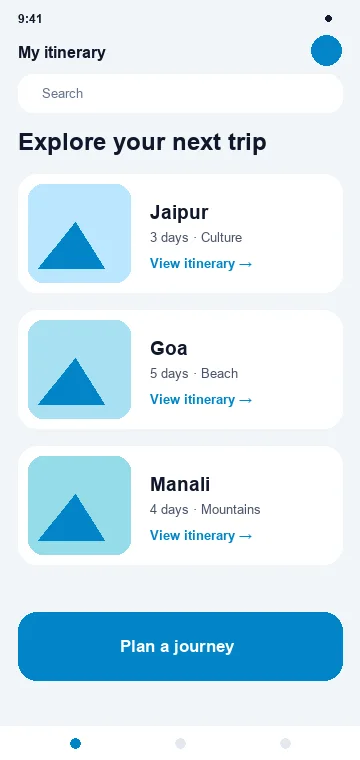
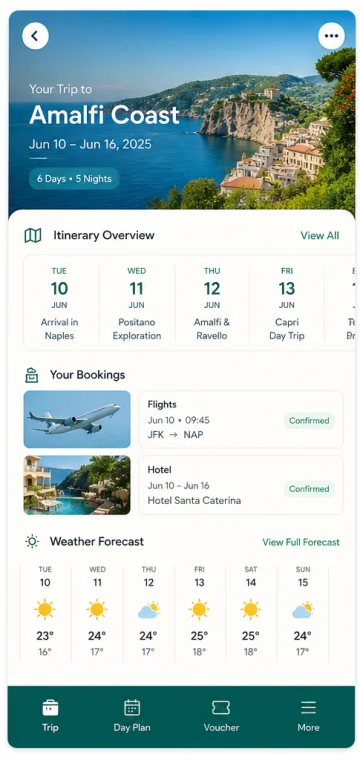
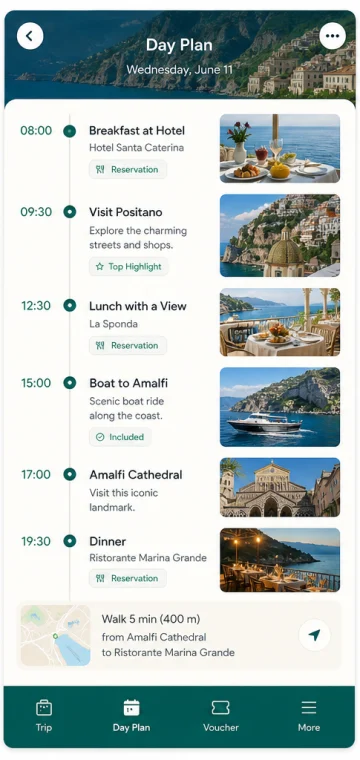
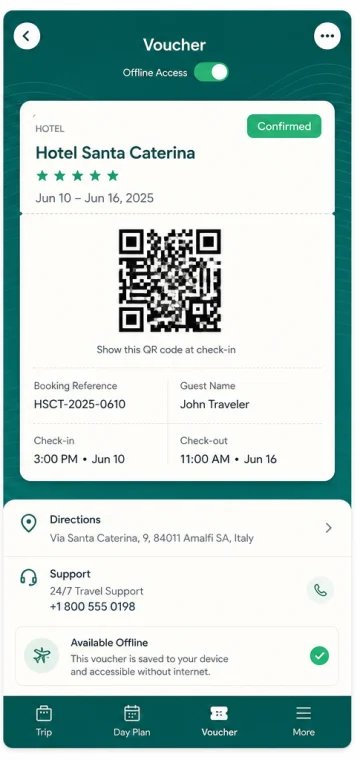
Travel
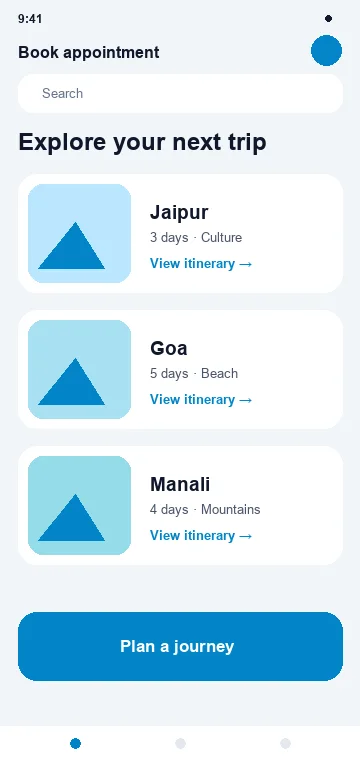
Trip → itinerary
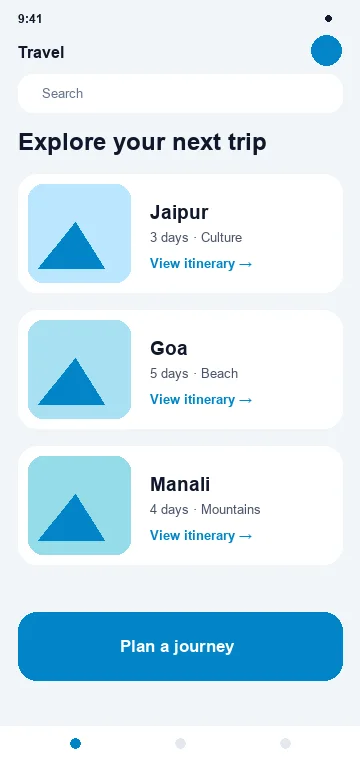
Plan the trip, carry the day plan, keep the voucher offline.
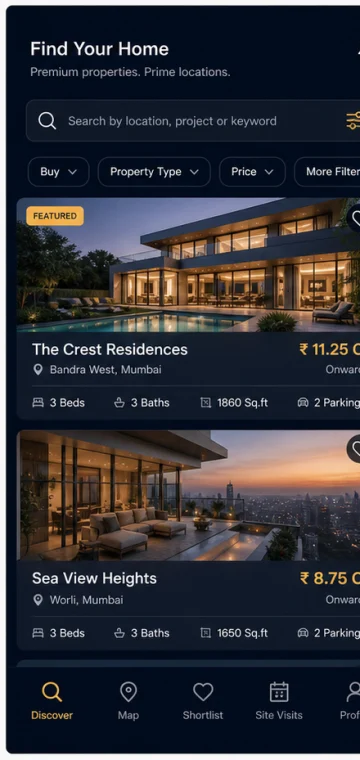
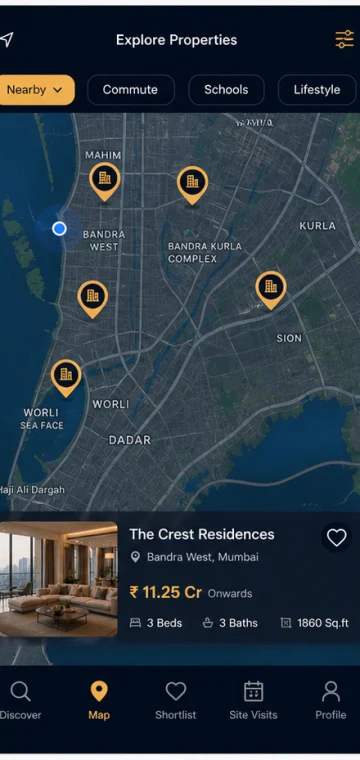
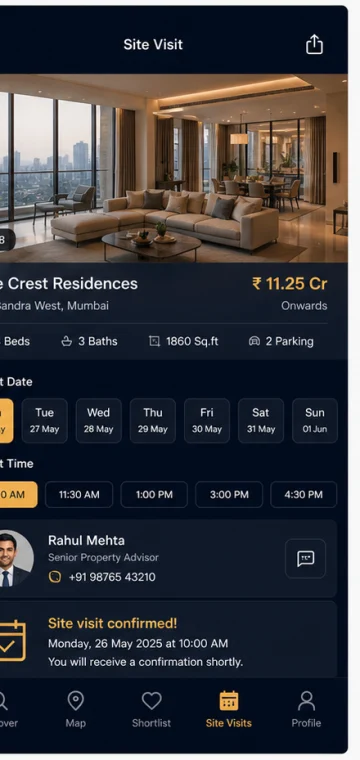
Real estate
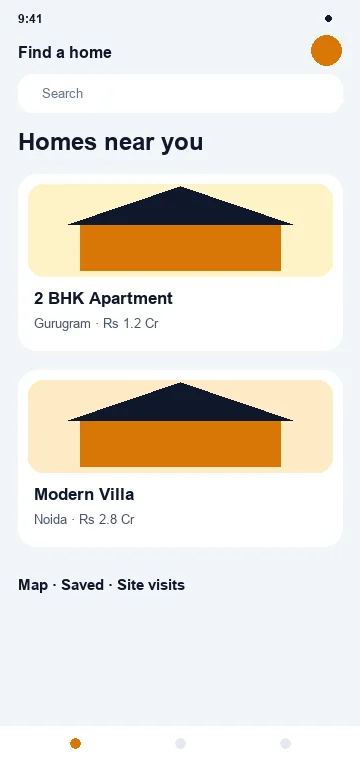
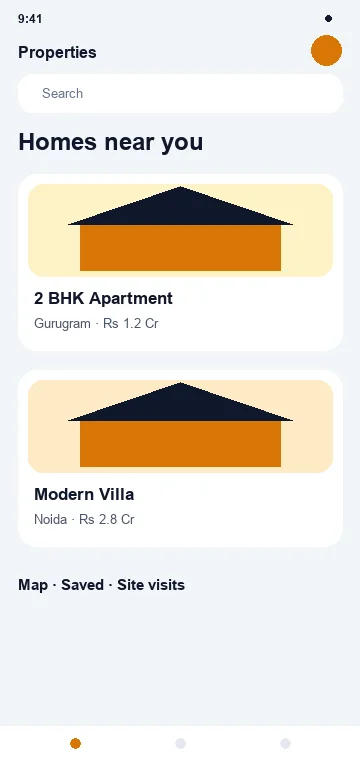
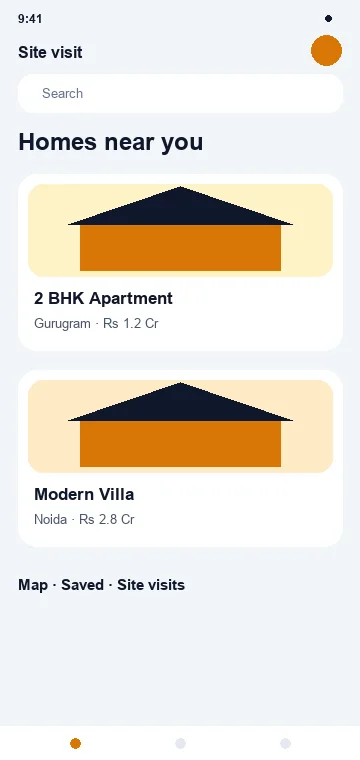
Property → site visit
Search, see it on a map, book the visit that actually closes the deal.
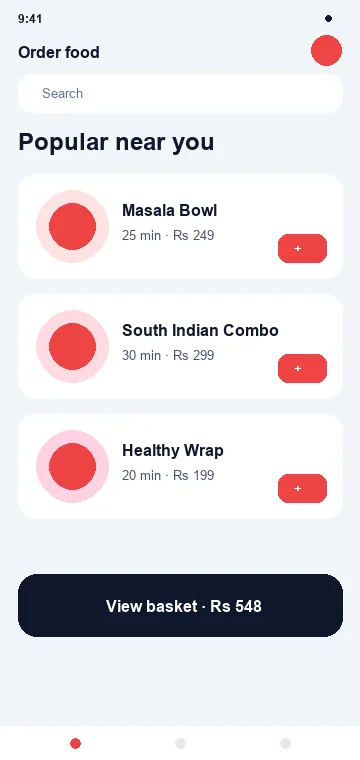
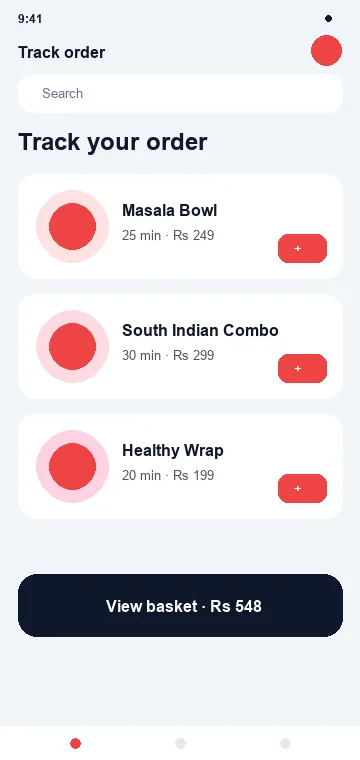
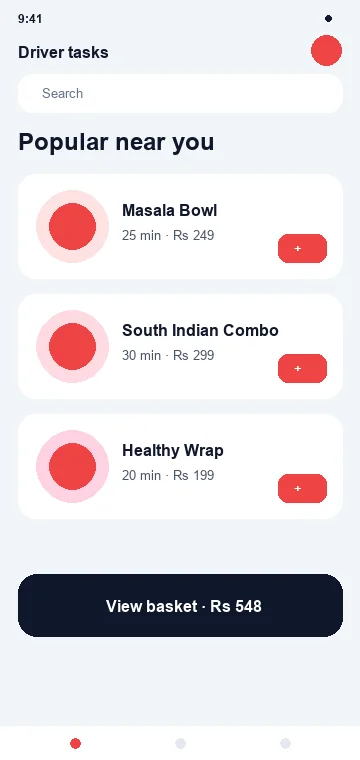
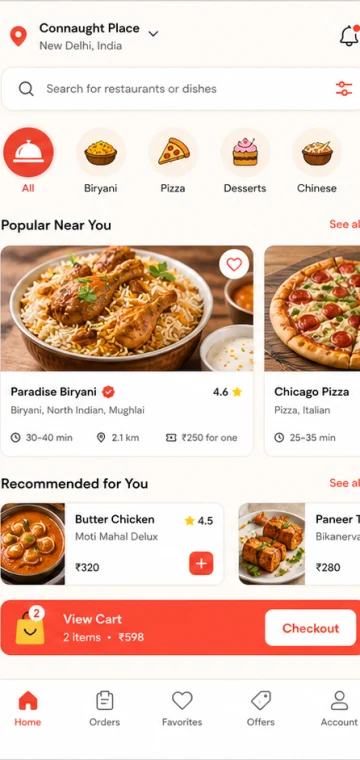
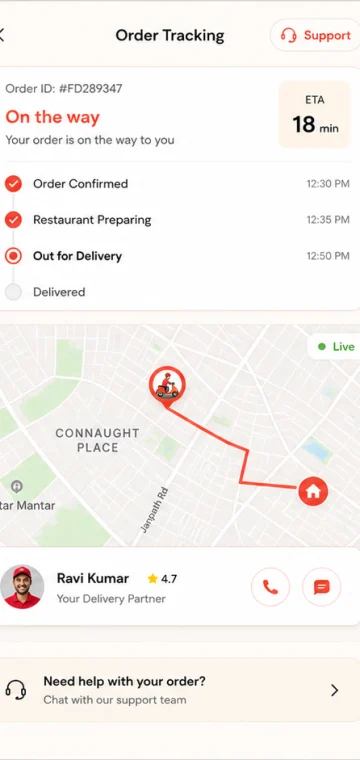
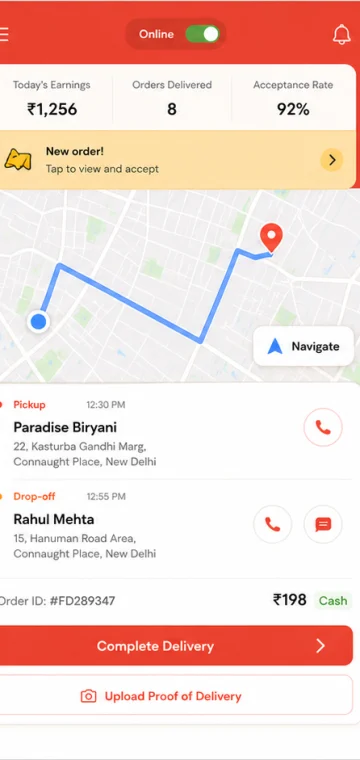
Food delivery
Order → tracking
Four apps behind one order: customer, kitchen, driver and admin.
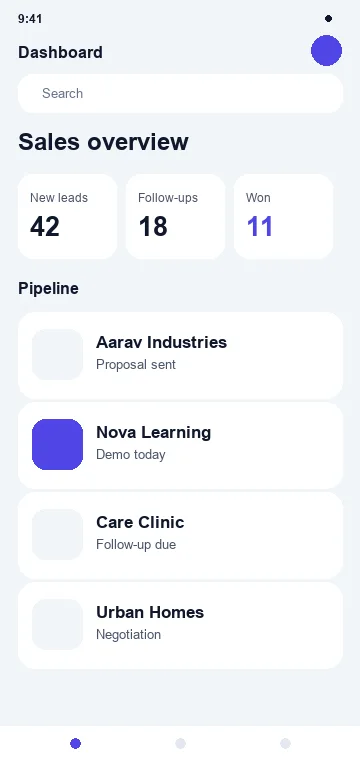
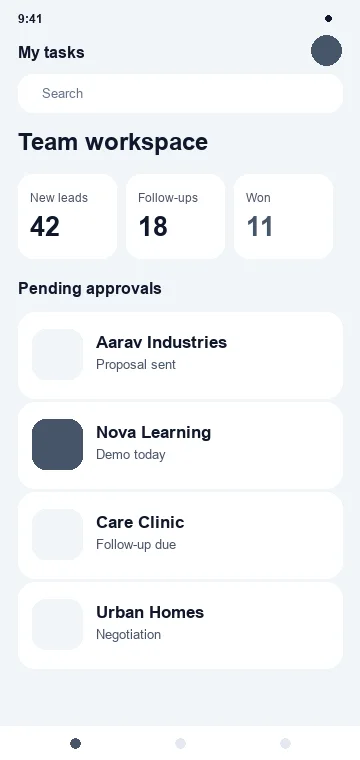
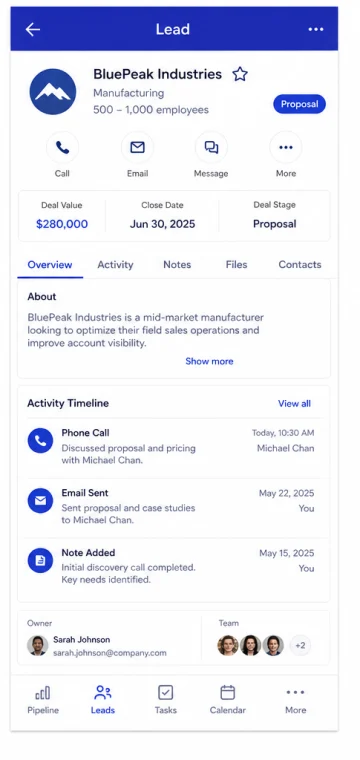
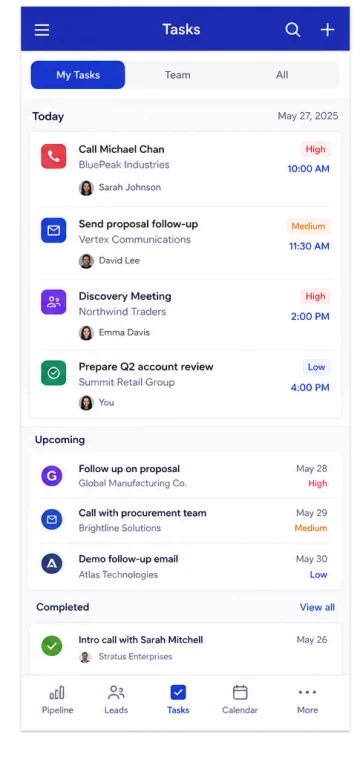
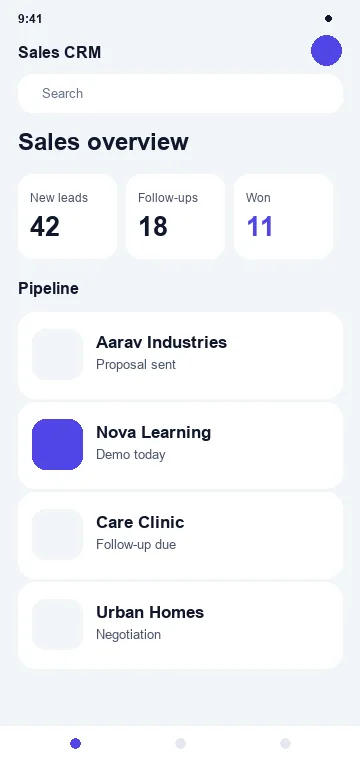
CRM & sales
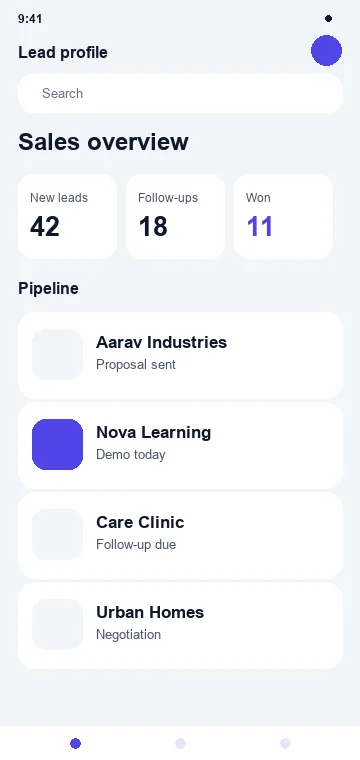
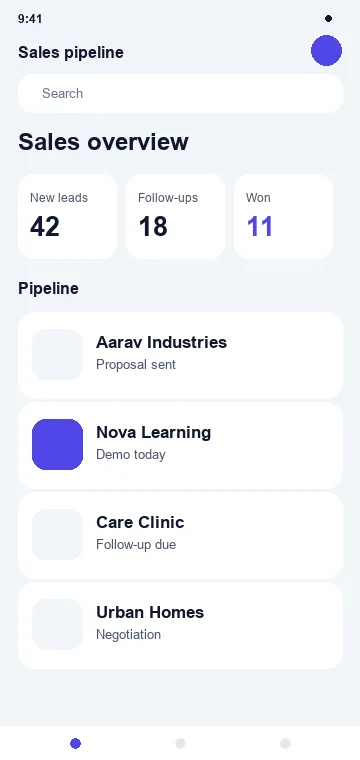
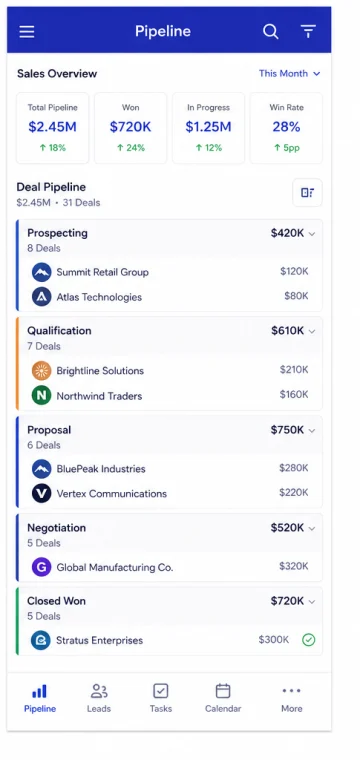
Lead → follow-up
The pipeline in a pocket, so field sales updates arrive the same day.
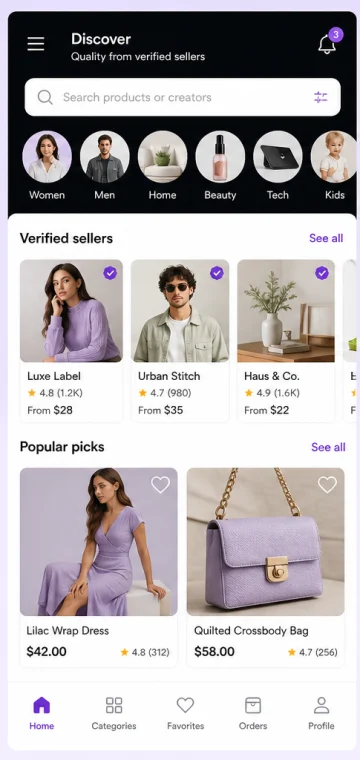
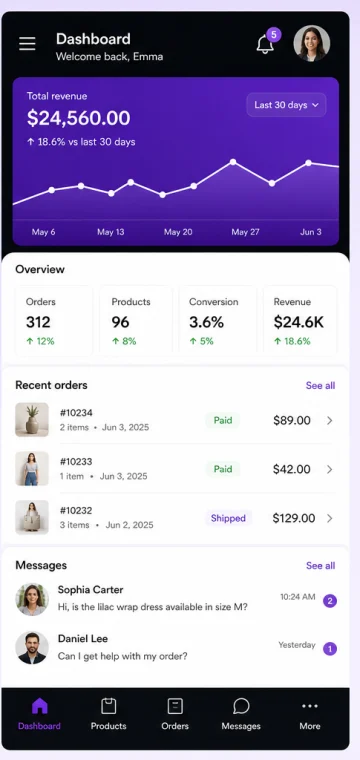
Marketplace
Browse → payout
One customer experience, many sellers, and money that reaches the right party.
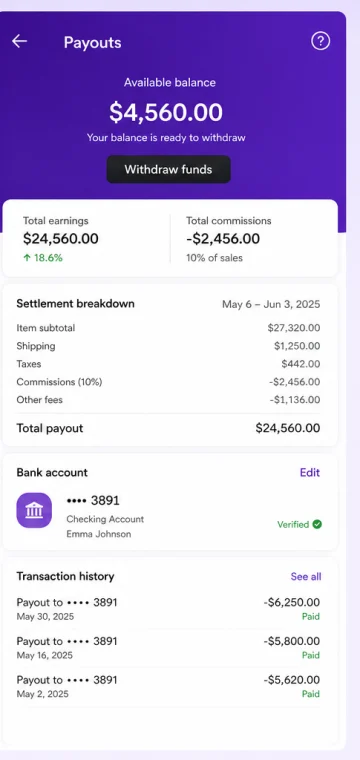
Concept screens designed for this page. Verified client app screenshots replace these once published — and we publish an app count only when there is a real number to publish. [VERIFIED MOBILE APPS / PROJECTS COUNT]
One app or an ecosystem?
Sometimes one app is enough. Sometimes the business needs several.
This is the single biggest driver of app cost, and the most common thing under-scoped at the start.
Food delivery
Marketplace
Education
Real estate
Field service
Design the whole system —
not just the customer screen.
An honest question first
Not every business needs a mobile app.
Six questions we ask before quoting
Mostly no
A website, PWA or web app is the better spend
Mostly yes
A mobile app earns its cost
Then the next decision is the technology approach — and that depends on the product, not on fashion.
Choose the approach →Build an app because it improves the experience — not because everyone else has one.
Choose the right approach
Native, Flutter or cross-platform? Choose based on the product.
None of these is universally best. Each is the right answer for a different product, team and budget.
Flutter
Flutter · DartMost cross-platform business apps — commerce, education, booking, CRM and travel.
Strengths
- +One codebase, both platforms
- +Consistent custom UI
- +Strong animation
- +Fast feature delivery
Trade-offs
- ·Native bridge for some device features
- ·Performance still needs profiling
Native iOS
Swift · SwiftUIApple-first products needing deep device capability and platform-specific UX.
Strengths
- +Full platform capability
- +Finest optimisation control
- +First to new OS features
Trade-offs
- ·Android needs its own build
- ·Two codebases to maintain
Native Android
Kotlin · Jetpack ComposeAndroid-first businesses, hardware integration and enterprise deployment.
Strengths
- +Direct hardware access
- +Enterprise & kiosk deployment
- +Widest device coverage
Trade-offs
- ·iOS needs its own build
- ·Real-device testing essential
React Native
React · JavaScriptTeams that already build in React and want to share that capability.
Strengths
- +Reuses your React team
- +Renders native UI
- +Shared code, both platforms
Trade-offs
- ·Native modules need review
- ·Team capability matters most
PWA
Web · installableLimited budget or fast reach, where deep native features are not needed.
Strengths
- +No store review cycle
- +Instant updates
- +Lowest cost to reach
Trade-offs
- ·Not a native app
- ·Limited device & background use
Not sure?
We recommend · you decideMost businesses do not need to decide this themselves.
Tell us the product, the users, the device features and the budget. The architecture recommendation comes out of discovery, with the reasoning written down.
| Flutter | Native iOS | Native Android | React Native | PWA | |
|---|---|---|---|---|---|
| iOS + Android | One codebase | iOS only | Android only | One codebase | Both, via browser |
| Development speed | Fast | Moderate | Moderate | Fast | Fastest |
| Device integration | Good, native bridges where needed | Complete | Complete | Good, native modules where needed | Limited |
| Custom UI | Very strong | Strong, platform-native | Strong, platform-native | Strong | Strong, web-based |
| Performance control | Good | Highest | Highest | Good | Moderate |
| Offline capability | Strong | Strongest | Strongest | Strong | Basic to moderate |
| App stores | Yes | Yes | Yes | Yes | No |
| Maintenance | One codebase | Per platform | Per platform | One codebase | Lowest |
| Team requirements | Flutter / Dart | Swift | Kotlin | React | Web |
| Best fit | Most business apps | Apple-first, device-heavy | Android-first, hardware | Existing React teams | Budget or reach first |
No column is marked "best" — the right choice depends on your product, your team and your device requirements.
Design before development
A good app feels obvious.
What UX actually covers
Empty, loading, error and offline states are where most apps feel broken — so they are designed, not left to chance.
Mobile design system
A component set means screen twenty looks like screen one — and the next release does not need a redesign.
Simplify the journey, not just the screen
Today
Eight steps, two people, one day.
In the app
Four taps, one person, ninety seconds.
Adaptive, not stretched
 Phone
Phone Foldable
 Tablet
Phones, large phones, tablets, foldables and both orientations. Mobile UI stretched to tablet width is not a tablet experience.
Performance
Fast is a feature.
Before optimisation
3.8s
Cold start on a mid-range Android device
After optimisation
1.4s
Same device, same feature set
Illustrative example from an internal optimisation exercise. We do not publish benchmark scores as if they were client results.
What we measure and control
Monitored in production
Launch is the beginning of product data, not the end of the project.
Backend, APIs & admin
The app is only one part of the product.
Mobile app
What the user touches
Secure API
Authenticated, versioned
Business backend
Rules, workflow, logic
Database
One source of truth
Connected services: authentication, users, products, bookings, orders, payments, documents, notifications, CRM and analytics.
A great customer app still needs a great system behind it
Almost every serious business app needs an operational interface. It is part of the build, not an extra.
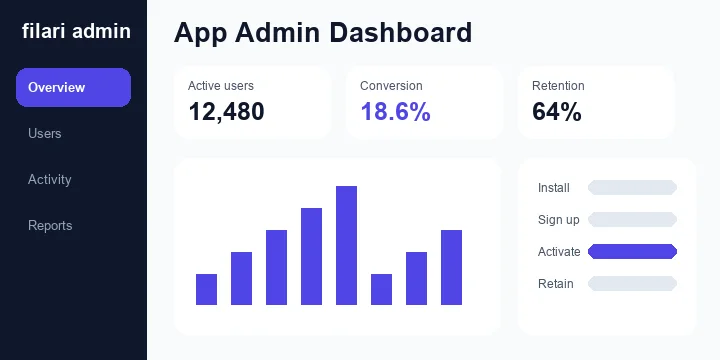
Offline & low connectivity
Critical for education, field teams, travel, healthcare field work, sales and manufacturing.
Offline architecture is scoped explicitly — it changes the data model, not just a setting.
Device capabilities
Requested only where the feature genuinely needs them — every unnecessary permission costs installs.
Payments, notifications, deep links & AI
The features that decide whether people come back.
Payments
Platform rules applyPayment architecture follows store policy, provider capability, region and business model. The same method cannot be assumed for every digital product or in-app purchase.
Push notifications
Useful notifications bring users back. Bad ones get the app deleted.
Deep links
Take users to the action they came for — not the home screen.
AI features
Optional add-onAdded where it makes the app more useful — not because AI is expected on a feature list.
How the layer sits
AI never inventsPrice, stock, payment state, order status, clinical diagnosis, legal advice or exam results. Those come from the system, with human escalation where the risk is real.
Security is part of the architecture
Protect the app,
the user and the data behind it.
Security requirements are set during discovery and revisited at every release — designed against recognised mobile-security practice appropriate to the project's risk, such as OWASP MASVS.
Secure storage
No sensitive data in plain local storage
Encryption
In transit and at rest
Authentication
And correct authorization on every call
Biometrics
Where the risk justifies it
Session control
Timeout, refresh, revoke
API security
Rate limits, scopes, versioning
Network security
Certificate handling and pinning where needed
Secret management
Nothing hardcoded in the binary
Secure deep links
Validated, not blindly trusted
Logging controls
No sensitive data in logs
Dependency security
Reviewed and updated
Device integrity
Checks for high-risk apps
We do not claim an app is "100% secure". Security is an ongoing engineering discipline, not a launch checkbox.
Privacy
Collect only the data the product needs. Store declarations must reflect the app and every third-party SDK inside it — so analytics and advertising SDKs are never added without understanding what they collect.
Authentication
High-risk operations — payments, data export, role changes — use step-up authentication rather than relying on the original login.
Quality assurance
Test the journey, not only the screens.
What gets tested
Slow network and API-failure testing catch more real-world bugs than any other category.
After launch, we watch
App store launch
Development isn't finished until the app is ready to ship.
What launch actually involves
You should own your developer accountsThe client normally owns its Apple and Google developer organisation accounts, and grants Filari the access needed to build and submit. We do not publish a client's business app permanently under a Filari-owned account without a specific agreed reason.

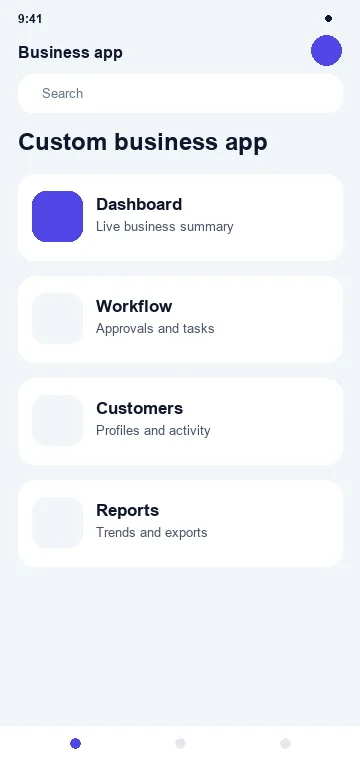
Also prepared: [81 GOOGLE PLAY FEATURE GRAPHIC] and [82 APP PREVIEW VIDEO]
The store listing is part of the product's first impression.
Building the app is step one
Help the right users find it — and understand why they should install.
Store optimisation
Different audiences can see different creative, rather than assuming one listing is best forever.
Listing experiments
Variant A
 A
AVariant B
 B
BReal store experiment data only, after launch. We do not publish invented uplift percentages.
Distribution
An app without distribution is software sitting in a store.
Optimised for meaningful users, not install counts.
Onboarding, retention & analytics
A download is not success.
First open to first success
Retention tools
The goal isn't more downloads. It is more useful app usage.
Analytics, defined before launch
Events are defined before development, not retrofitted after launch. No unnecessary sensitive data.
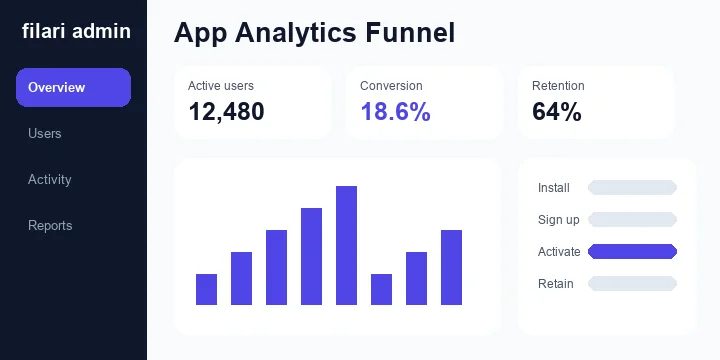
Website + app + WhatsApp + CRM
Your website and app should not become two separate businesses.
One platform, two front ends
Website
API / business platform
Mobile app
One business. Multiple digital experiences.
App + WhatsApp + CRM
Customer data is not duplicated across isolated systems — each layer reads from the same platform.
Industries
See what mobile can look like for your industry.
E-commerce
Product → buy
Industry page →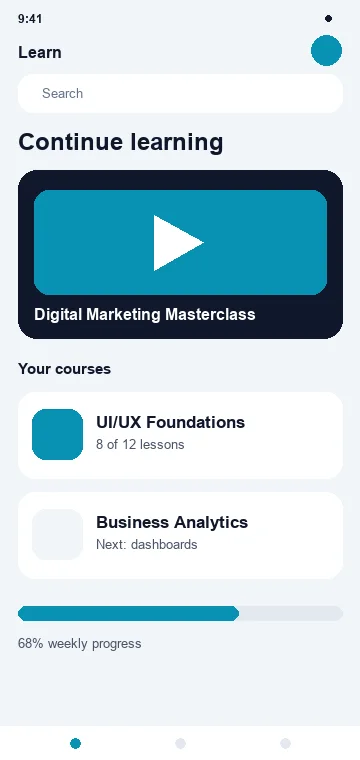
Education
Course → learn
Industry page →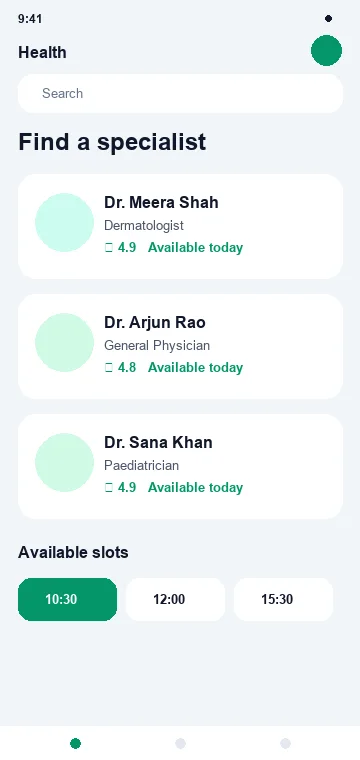
Healthcare
Doctor → appointment
Industry page →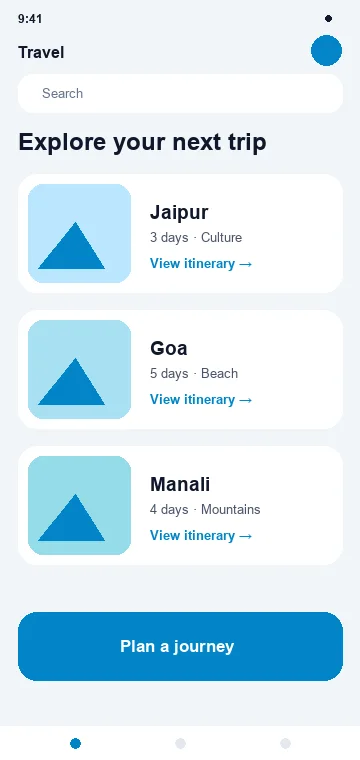
Travel
Trip → itinerary
Industry page →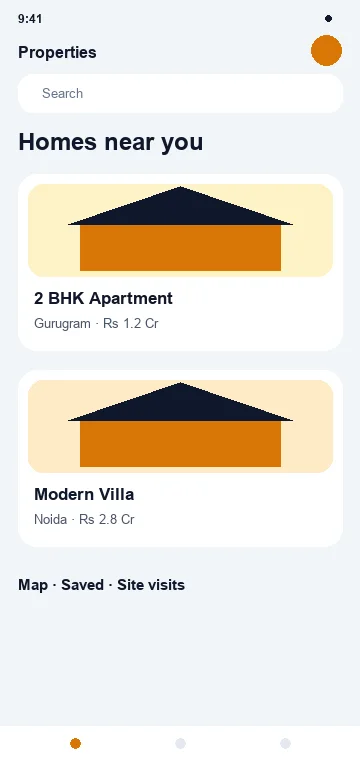
Real estate
Property → site visit
Industry page →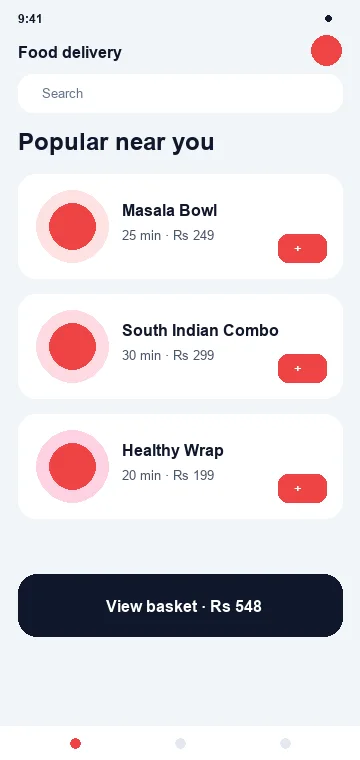
Food & delivery
Order → tracking
Industry page →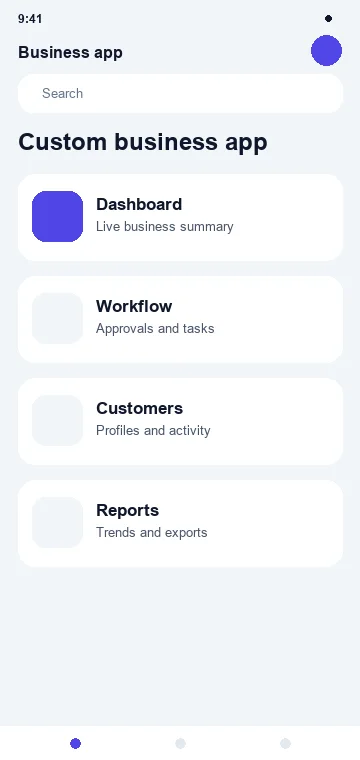
Professional services
Enquiry → consultation
Industry page →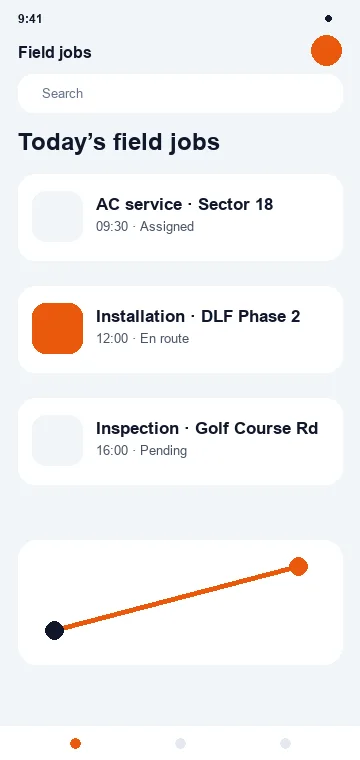
Manufacturing & field ops
Job → completion
Industry page →How we work
From app idea to app store.
01
Discovery
Business, users, goal
02
Product scope
MVP, features, roles
03
User journey
Flows and architecture
04
UX / UI
Wireframe, prototype, design system
05
Tech architecture
Platform, backend, API, security
06
Development
App and backend, in modules
07
QA
Devices, flows, performance
08
Beta
Stakeholder and user testing
09
Store preparation
Screenshots, metadata, privacy
10
Release
App Store and Google Play
11
Monitor
Analytics, crashes, feedback
12
Improve
Updates and growth
Don't build 80 features before the first user opens the app
Phase 1 — must have
Phase 2 — should have
Phase 3 — later
Launch the valuable core. Learn before expanding.
Already have an app?
The audit comes first — and often part of the app is worth keeping.
We do not rebuild an app simply because the code is old.
Migration & modernisation
No promise of a perfect migration until the source data and APIs have been assessed.
Ongoing app care
Mobile apps need continuous work simply to keep functioning — OS releases, SDK deprecations and store policy changes arrive whether or not you ship features.
App maintenance is not the same as basic website maintenance, and is quoted separately by criticality.
Technology
We choose technology for the product — not the other way around.
The stack follows performance, maintainability, security, business requirements and scale. Framework fashion is somebody else's maintenance problem.
Mobile
Backend
Data
Cloud
Services
Investment
Mobile apps cost more than a website — because you're building a product ecosystem.
A mobile product usually means multiple platforms, a backend, APIs, an admin panel, device testing, store submission, security, notifications, analytics and ongoing OS compatibility work.
Focused business / companion app
₹1,50,000 – ₹3,00,000+
One workflow, or a companion to an existing backend
Professional cross-platform app
₹3,00,000 – ₹6,00,000+
Flutter or cross-platform, Android and iOS
E-commerce / education / booking app
₹4,00,000 – ₹8,00,000+
Catalogue, courses or bookings with real depth
Multi-role / marketplace / delivery
₹6,00,000 – ₹12,00,000+
Several apps working as one platform
Advanced native / enterprise
₹10,00,000+ / custom
Separate iOS and Android, high scale, deep integration
What moves the number
One simple user app is not the same product as customer + seller + driver + admin.
These are positioning ranges, not fixed quotations. A real estimate follows discovery and an agreed scope.
Third-party costs, kept separate
App development is not the only line item.
These are normally owned and paid by the client, and are not included inside Filari development pricing unless explicitly quoted.
Commercial ownership
Clear from the start.
You should own
Filari retains
For commissioned custom app development, source-code ownership and licensing follow the signed agreement and any third-party licences. Filari-owned components remain Filari IP unless expressly transferred.
Optional add-ons
None of these is implied to be included in a base app quote.
After the app goes live
Keep improving acquisition, activation and retention.
An agreed monthly mix
Paid media and platform charges are separate. There are no guaranteed downloads, rankings, revenue or retention — Filari improves product quality, store presentation, distribution strategy and growth execution.
Why Filari
We don't start with Flutter or native. We start with the product.
Product first
What should the app actually help someone do?
UX before screens
Simplify the journey, then design it.
Right technology
Native or cross-platform, chosen from requirements.
Backend in the thinking
The app must connect to real business data.
Security & quality
Designed, tested and monitored.
Growth after launch
Store, analytics and retention matter too.
Questions
What businesses ask before building an app.
Twenty-four answers on platforms, Flutter versus native, features, integration, cost, launch and support.
Scope & platforms
01What types of mobile apps does Filari build?
Customer-facing, ecommerce, education, healthcare, travel, property, booking, marketplace, sales, field-force and internal business applications — plus custom apps designed around a specific workflow.
02Do you develop both Android and iOS apps?
Yes. Depending on the product we use cross-platform or native development, and the recommendation comes out of discovery with the reasoning written down.
03Should I build Android, iOS or both?
It depends on where your users actually are. Many Indian businesses start Android-first; premium and export-facing products often need both from day one.
04Can you build a native iPhone app?
Yes, using Swift and SwiftUI.
05Can you build a native Android app?
Yes, using Kotlin and the modern Android stack.
Technology choices
06What is Flutter?
Flutter is a cross-platform framework that builds Android and iOS apps from one codebase, using the Dart language, with strong control over custom UI and animation.
07Is Flutter suitable for business apps?
For many business apps, yes — e-commerce, education, booking, CRM and travel products are common Flutter use cases when engineered properly.
08Is Flutter better than native?
Not universally. Flutter is efficient for many shared Android and iOS products; native is often preferable for platform-specific, performance-sensitive or device-heavy applications.
09When should I build a native app?
When you need deep platform integration, complex device capabilities, the highest performance control, or platform-specific experiences that a shared codebase would compromise.
10What is the difference between Flutter and native development?
Flutter shares one codebase across platforms with its own rendering approach; native builds separately for each platform with direct access to that platform’s APIs and conventions.
Features & integration
11Can the app connect to my existing website?
Yes, if the existing platform exposes suitable APIs or can be extended to do so.
12Can the same backend power the website and mobile app?
Yes, and it usually should when both experiences share the same business data — one platform, two front ends.
13Can an app work offline?
Yes, where offline is designed into the architecture. It affects the data model, so it is scoped explicitly rather than added later.
14Can push notifications be added?
Yes, with categories, user preferences and deep links so a notification opens the right screen.
15Can payments be integrated?
Yes, subject to platform rules, your payment provider and your business model. The same method cannot be assumed for every digital purchase.
16Can WhatsApp be integrated with an app?
Yes, as an optional integration and automation layer alongside the app.
17Can AI features be added?
Yes, where there is a useful and reliable use case. AI never invents price, stock, payment state, order status or clinical and legal conclusions.
Cost, launch & support
18How much does mobile app development cost?
Focused business apps typically begin around ₹1.5 – 3 lakh. Advanced customer apps, marketplaces, multi-role systems and enterprise applications need higher scope-based investment.
19Why is an app more expensive than a website?
A mobile product may need separate platform work, backend APIs, admin tooling, device compatibility, security, notifications, analytics, store deployment and continuing OS compatibility testing.
20Can Filari publish apps to Google Play and the App Store?
Filari supports store preparation and submission. The client should normally own its developer accounts and grant us the access needed.
21Can you build food-delivery apps?
Yes. A complete delivery platform usually needs separate customer, merchant, delivery and admin experiences — four applications, not one.
22Do you provide app maintenance?
Yes, under an agreed app support and maintenance scope. App care is priced separately from website maintenance because the work is different.
23Can Filari help market the app after launch?
Yes — store optimisation, campaign landing pages, analytics, user acquisition and retention work can form part of an agreed growth scope.
24Do you guarantee downloads?
No. Filari can improve product quality, store presentation, distribution strategy and growth execution. Adoption depends on product-market fit, demand, competition, marketing investment and user experience.
From idea to app store
Your users are already on mobile.
Build an experience worth keeping there.
Whether you need your first customer app, a mobile extension of an existing platform or a complete multi-app ecosystem, we help define the right product, technology and rollout approach.
Don't just build an app.
Build a useful mobile product.
 CRM
CRM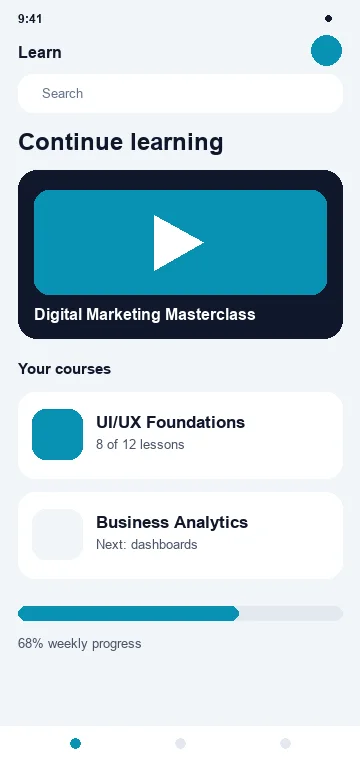 Learn
Learn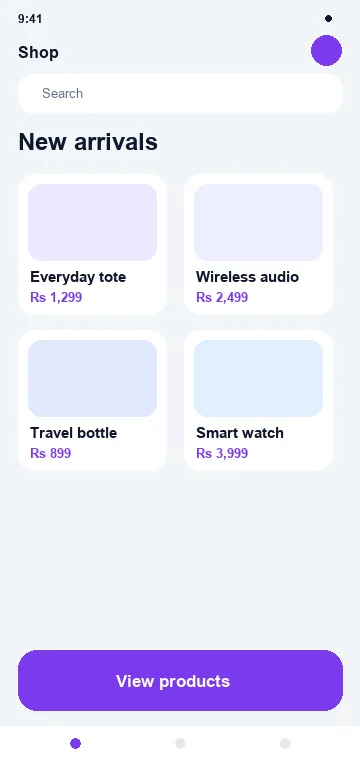 Shop
Shop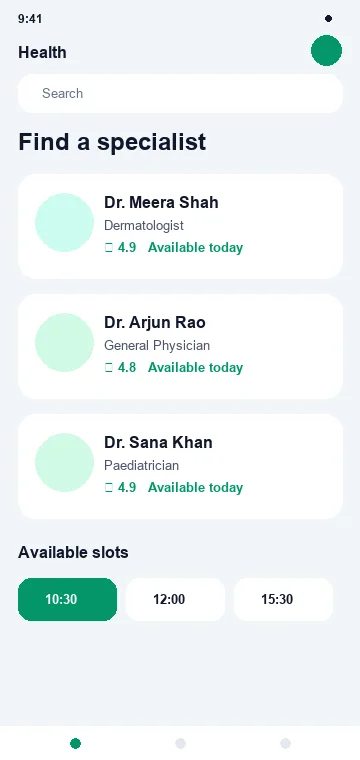 Health
 Travel